News
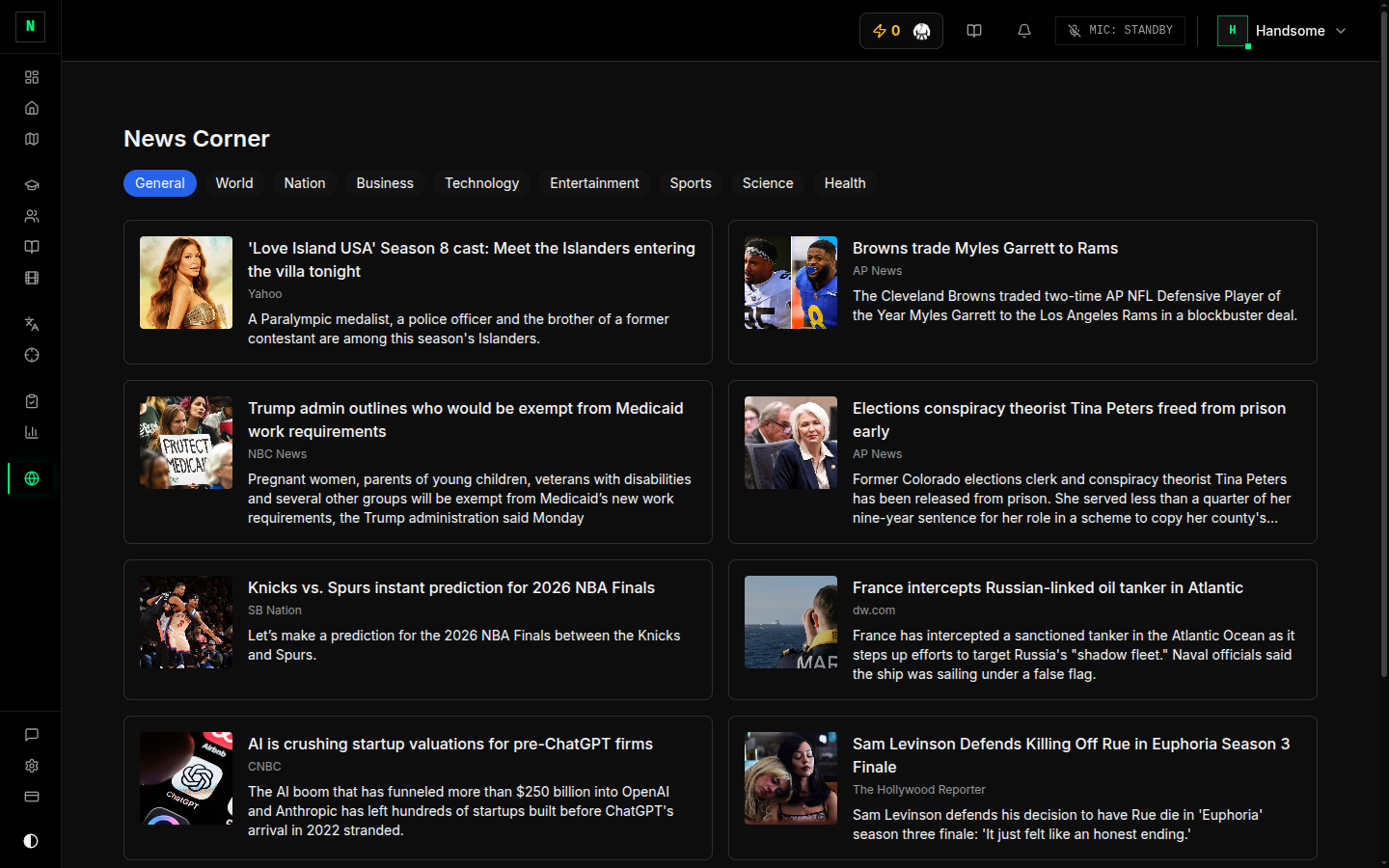
News (sidebar → Global Feed / News Corner) is a built-in news reader — a productive way to take a break and get some real-world reading practice at the same time.
How to use it
- Open News.
- Browse by category (World, Business, Technology, Science, Health, Sports, and more), or search for a topic.
- Click an article to read it.
Why it's here
Reading current, real-world English — outside of exam passages — builds vocabulary and fluency in a low-effort way. It's a gentle alternative to a full reading drill when you want variety.
Tips
- Read a couple of articles in your target field — it builds topic vocabulary you can reuse in Writing and Speaking.
- See a useful word? You build vocabulary deliberately in the Vocabulary tool — note new words you meet here and add them there.