Roadmap
The Roadmap (sidebar → Roadmap) turns your goal and test date into a plan with a pace — so "study more" becomes "do this much, by then."
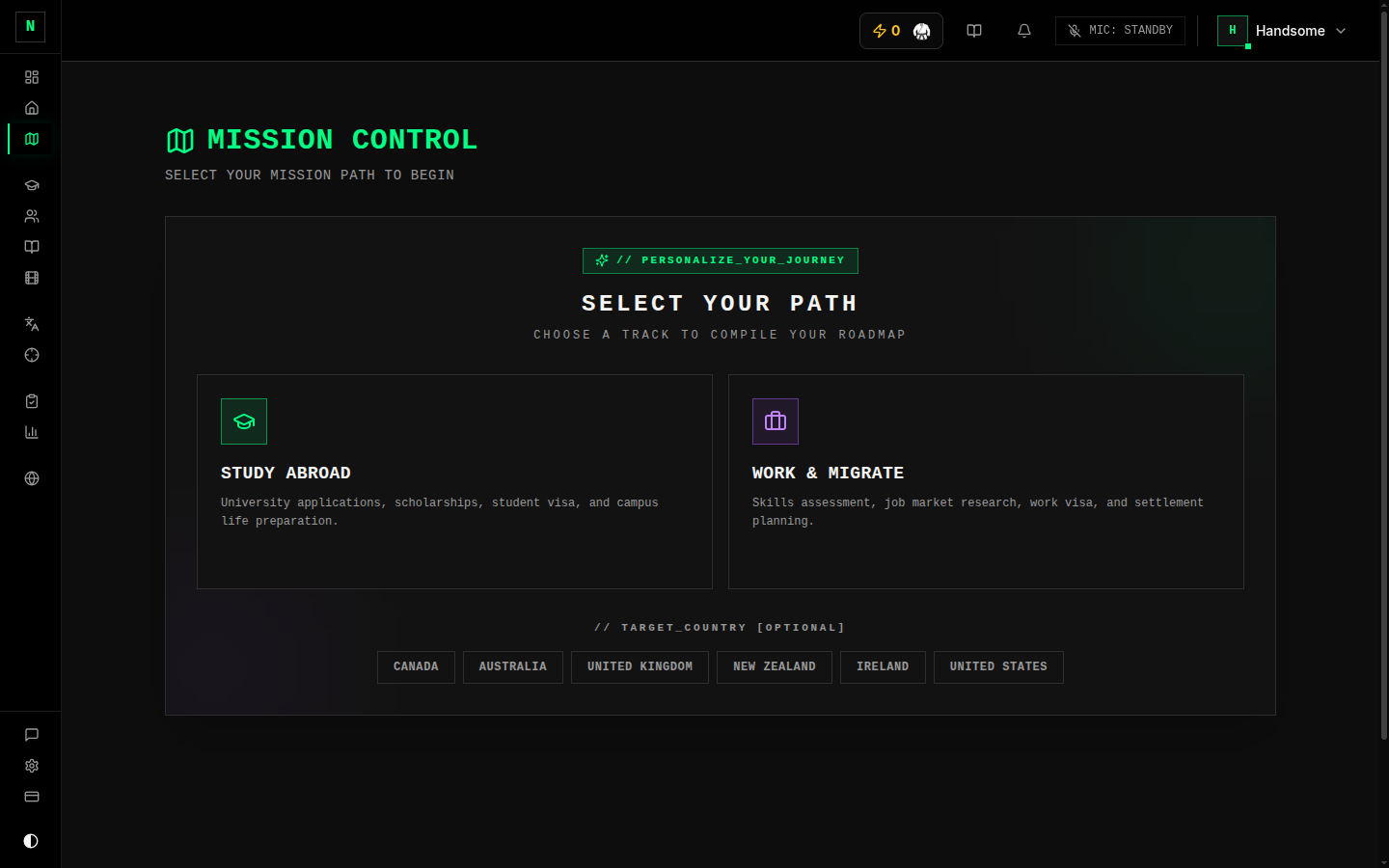
Choosing your path
The first time, you pick the journey that matches your goal:
- Study Abroad — IELTS for university admission.
- Work & Migrate — IELTS for skilled migration.
Each path lays out a sequence of phases (foundations → exam prep → mock exams → refinement), tailored to that goal. You also set your destination, which the journey uses for context.
Mission control
The main view shows:
- A deadline banner — days until your test, colour-coded by how urgent it is.
- A pace panel — tasks remaining, days remaining, and the weekly pace you need to keep to hit your date.
- A next recommended action — a button straight to the thing to do next.
- A journey map — the phases and steps laid out visually, with completed, current, and upcoming steps marked.
Using it
- Set (or confirm) your test date — the deadline and pace are calculated from it. You can edit the date right on the banner, or in Settings.
- Follow the next recommended action, or pick any step from the journey map.
- As you complete steps, your pace recomputes so it always reflects reality.
Good to know
- No date = no pace. Set a test date to get the countdown and weekly targets.
- The roadmap is a guide, not a cage — do the steps in the order that suits you; the pace just keeps you honest about whether you're on track.
tip
If the weekly pace looks scary, that's the roadmap doing its job — either pick up the pace now while it's still gentle, or revisit whether your test date is realistic.