Full Session
A Full Session runs Listening → Reading → Writing back to back in a single sitting, so you can practise the stamina and pacing of a real test day — not just one skill at a time.
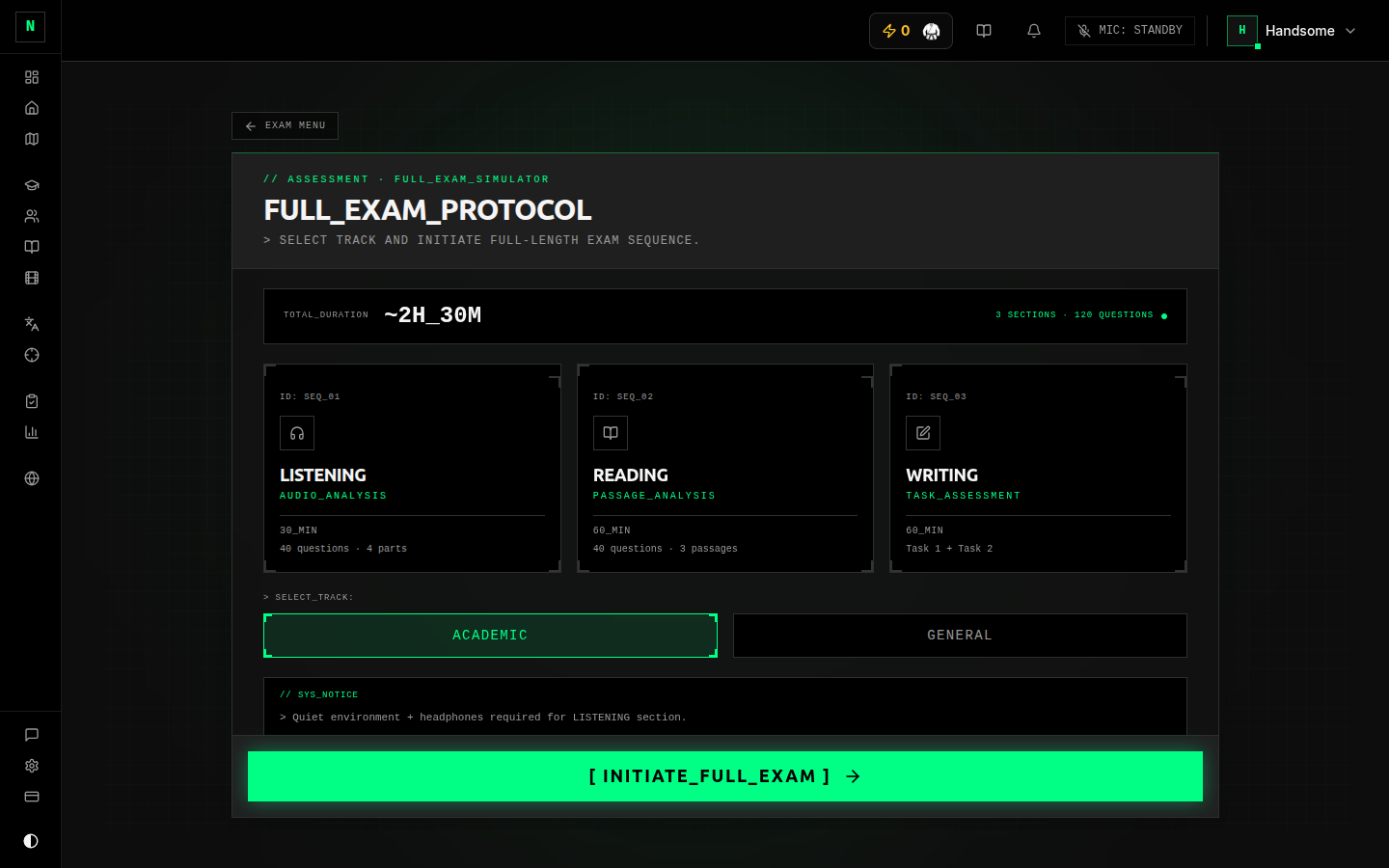 Starting a Full Session.
A Full Session covers the three written/listening papers (Listening, Reading, Writing), which on a real test day are sat consecutively. Speaking is a separate interview (often on a different day), so you take it on its own — see Speaking.
How to run one
- From the mock exam hub, choose Full Session.
- Pick your track — Academic or General Training (this sets which Reading and Writing tests you get).
- Press
START. The app assembles a Listening, a Reading, and a Writing test for you and links them into one session. - Work through the sections in order:
- Listening (~30 min) → Reading (60 min) → Writing (60 min).
- Each section has its own timer; finishing or running out of time moves you to the next.
- When the last section is submitted, the whole session is complete and goes off for marking (Writing is AI-marked; Listening and Reading are instant).
Seeing your results
A Full Session produces a combined results page showing each section's band score together, so you can see your profile across the three papers at once. From there you can open the per-section review just like an individual exam. See Results & review.
Good to know
- Set aside ~2.5 hours. It's meant to be done in one go — that's the point.
- If a track has no available test for one of the sections, the app tells you rather than starting a broken session. Try the other track or come back later.
- Treat it like the real thing: quiet room, no phone, no pausing. The value is in the realistic pressure.
Do individual skills while you're learning, and save Full Sessions for the weeks close to your test — they're the best gauge of whether your timing and concentration hold up across a full paper.