Novel Nook
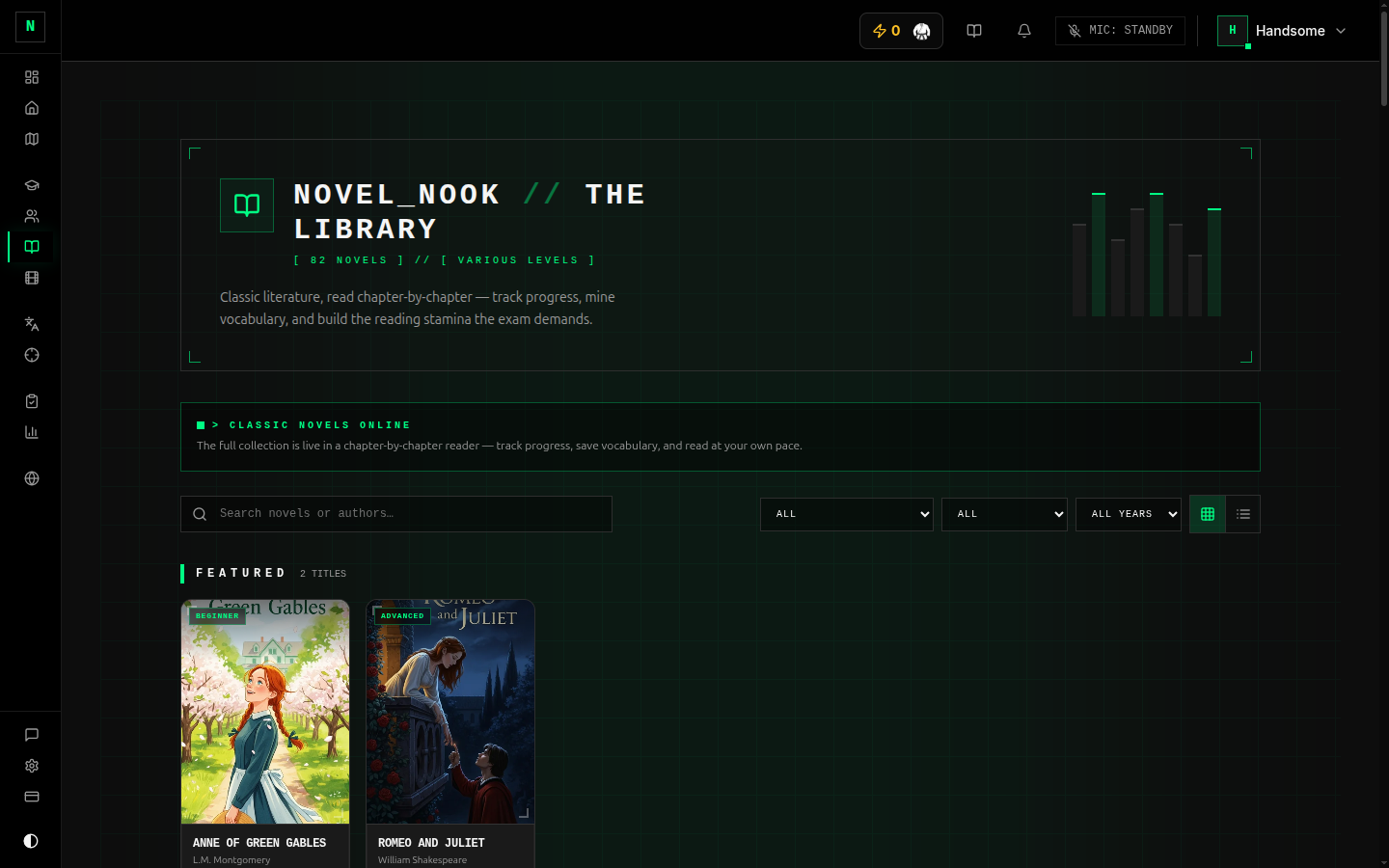
Novel Nook (sidebar → Novel Nook) is a library of graded-reader novels — classic books you read chapter by chapter to build reading stamina and pick up vocabulary in context. It's the gentle, enjoyable end of reading practice.
Finding a book
The library shows the available novels with their cover, author, reading level (Beginner / Intermediate / Advanced), and genre. Filter or search to find one that fits your level and interests, then open it to start reading.
Some titles are available on the free tier and others are unlocked with a paid plan. Locked books are marked in the library. See Billing for what's included.
Reading
The reader gives you a clean, customisable reading experience:
- Chapter list down the side to jump around; finished chapters are marked.
- Settings for font size, theme (dark / light / sepia), font, alignment, and scroll vs. page-by-page reading.
- Keyboard shortcuts for turning pages / chapters once you're in the flow.
- Chapters mark themselves complete when you reach the end — no button to hunt for.
Save words while you read
Turn on word-saving mode and you can click any word in the text to add it straight to your Vocabulary bank, with the sentence it came from as context. This is one of the best ways to grow vocabulary — words learned in a story stick.
Reading stats
A stats panel tracks your progress: chapters done, reading streak, time read, and an estimate of your reading speed.
Your reading position and progress are stored in your browser on the device you're reading on. If you switch to a different device or browser, your place may not carry over. Try to read a given book on the same device.
Tips
- Pick a level you can read fluently, not one you have to decode word-by-word — fluency comes from volume at a comfortable level.
- Save only the words that genuinely block comprehension; don't save everything.
- Ten minutes of reading a day compounds fast — and it counts towards your streak.